
Browse the Manifest help
Search
Search as you type, popular searches, and the search results page.

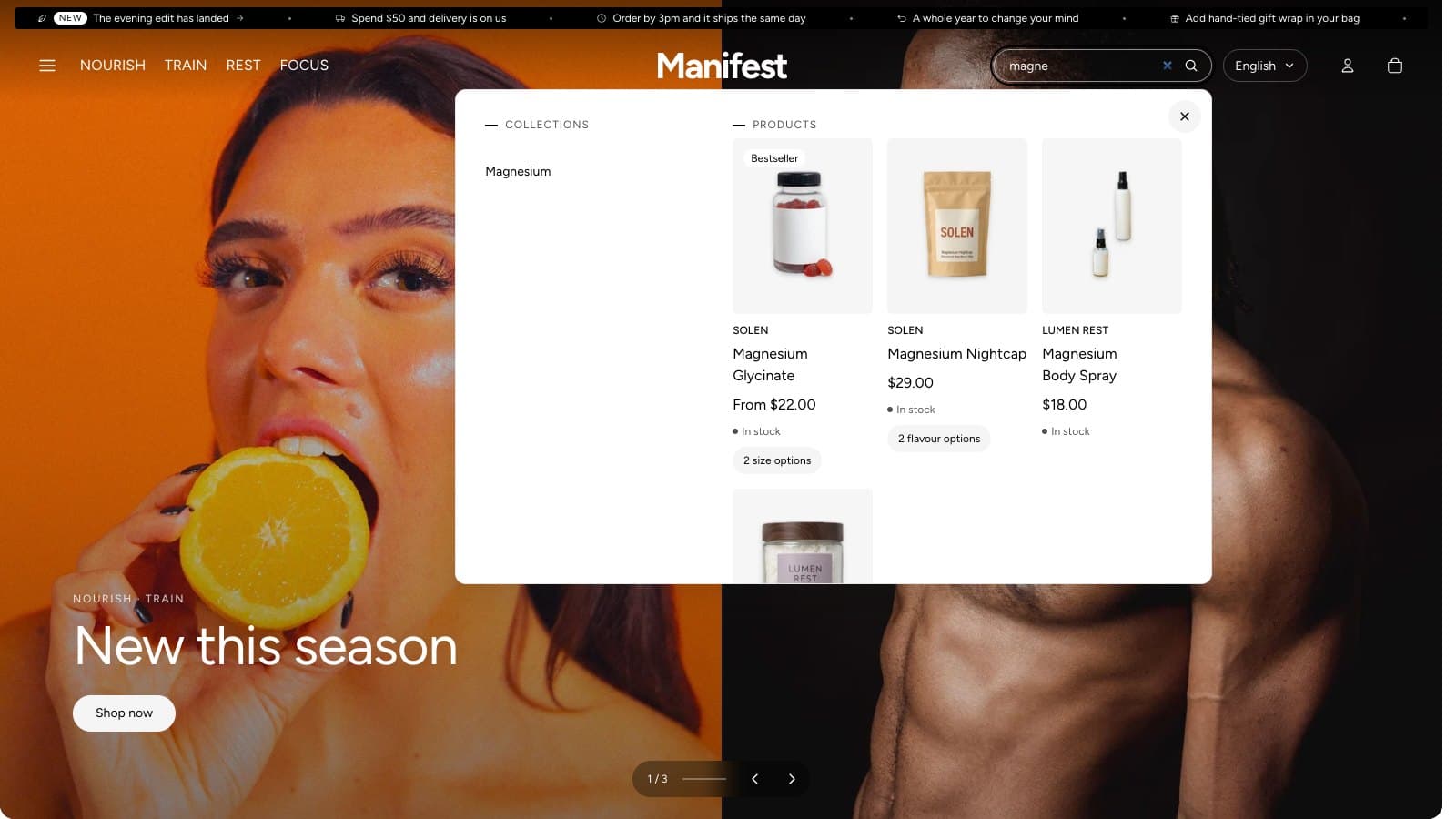
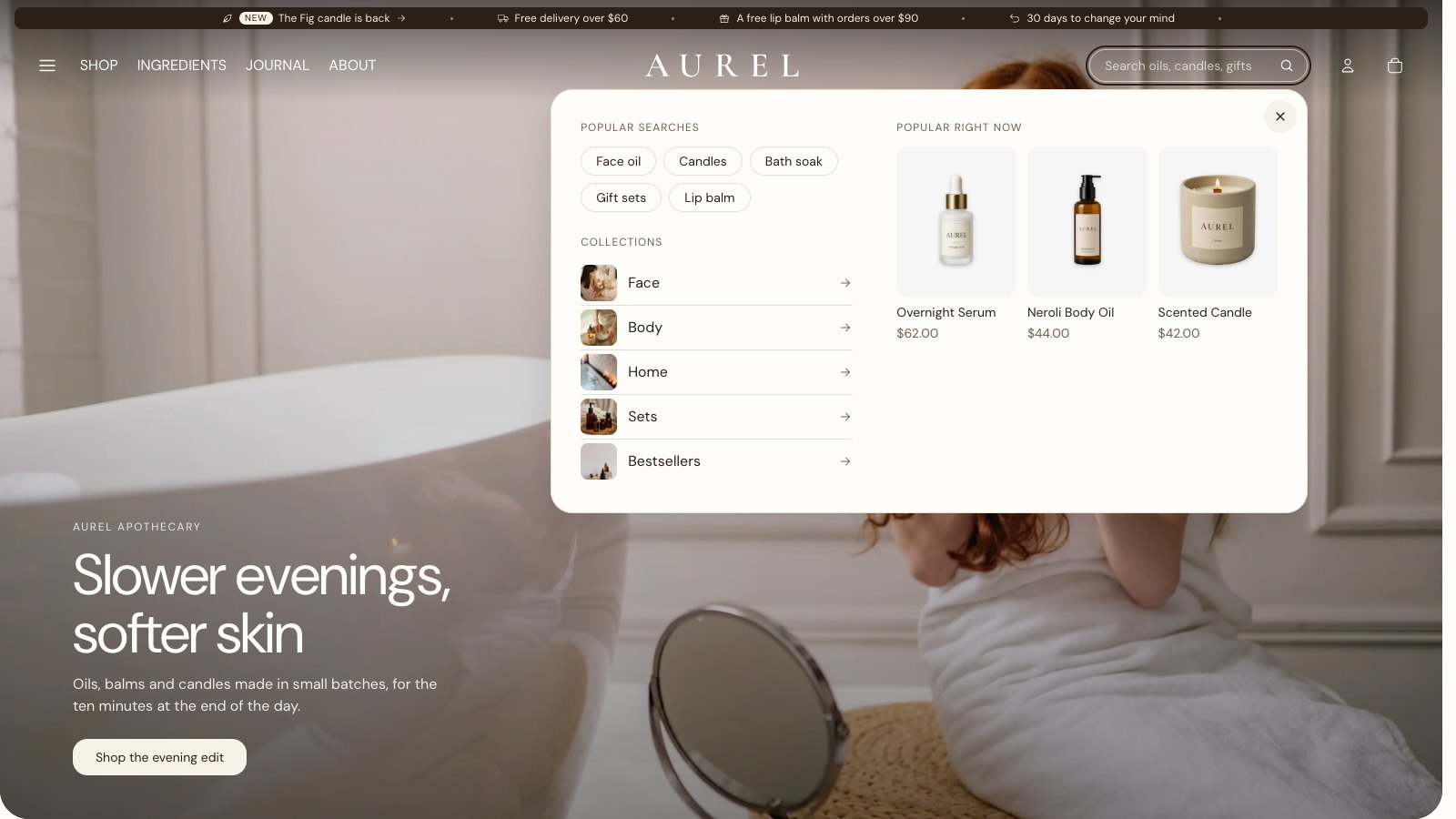
The search field in the header suggests products, collections, pages and articles as the visitor types. With the field empty it opens a panel with the visitor's recent searches, your Popular searches, your Quick links menu and your Recommended products (Theme settings → Search). The panel costs the page nothing until someone opens it. The round × at its top corner closes it, as do Escape and a click anywhere else.
Search as you type matches product names, types, brands, tags and variant names, and product codes (SKU and barcode), so a shopper typing a code or a need still finds the product.
The search results page lists products first, with the same filters and sorting as collections, then pages and articles. Set Results per page in its section.
When a search finds nothing, the page offers your popular searches as links and four products to start from: from Products when nothing is found in the search section, or from all products.