
A WhatsApp assistant for gyms, yoga and fitness studios
Members message to ask what's on, whether there's space, and what a trial costs. doTask answers with your timetable and the seats left, books the class or the personal training slot, and puts people on the waitlist when a class is full.

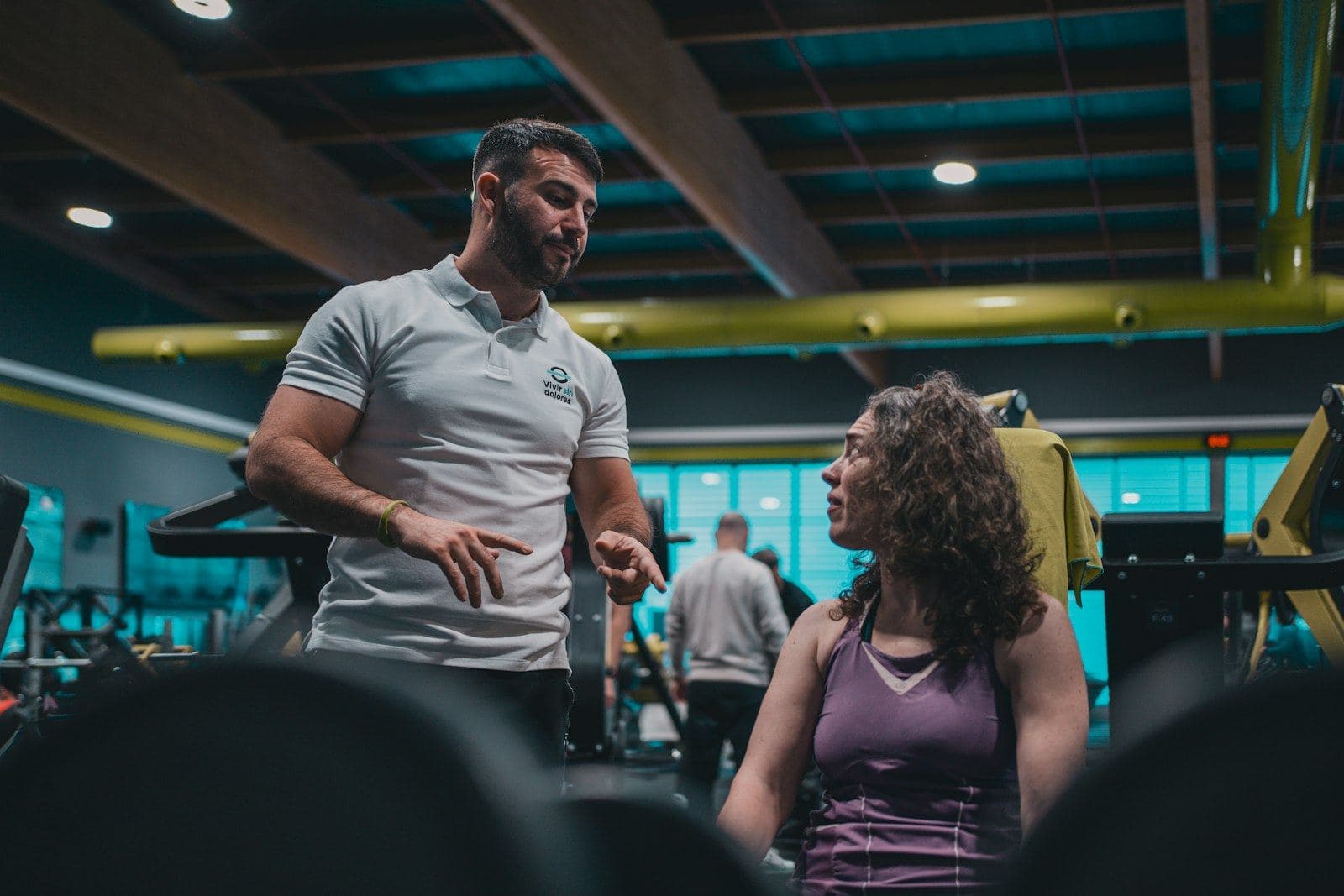
 WhatsApp for fitness and studios
What customers ask
- Any space in tonight's 7pm spin?
- What time is yoga on Saturday?
- How much is a trial class?
- Can I book PT with Coach Amir?
- I can't make it tonight. Can you cancel?
- Do you have showers?
An example
Any space in the 7pm HIIT tonight?
Tonight's 7:00 pm HIIT with Coach Amir has 3 seats left. Shall I book one?
Book 2, me and my friend
Two seats in HIIT tonight at 7:00 pm. May I have your name?
Kavitha
Booked, Kavitha. Your code is F3W9KD.
What about Saturday 8am yoga?
Saturday's 8:00 am yoga is full. I can put you on the waitlist, and the team will contact you if a seat opens. Nothing is booked yet. Shall I?
Yes please
Classes with seats on a timetable
Choose Gym, yoga, studio under Bookings → Settings → Your industry. The calendar becomes a Timetable: a week of classes with the seats taken. The words become instructor, booking and member.
Create a class as a service scheduled as a class or session, then add its times under Bookings → Sessions. Each session has its own seat count. A member can book several seats at once, and the assistant will not sell a seat that is gone.
Personal training as appointments
The same workspace takes one-to-one sessions. Create a personal training service as an appointment and add each trainer as a resource with their hours. From the calendar, Repeat books the same slot every week, fortnight or month.
Full classes, late cancels and no-shows
- When a class is full, the assistant offers the waitlist. Reach waitlisted members from their conversation when a seat opens.
- Members can cancel or move a booking in the chat.
- A WhatsApp reminder goes out the number of hours before you choose.
- Drop-in classes can be paid online through your own Stripe account.
- Mark no-shows from the calendar; segments can use them.
Keep members coming
Segments can find members by visits and days since their last visit. The Days since their last visit automation sends a friendly email with a way to book. WhatsApp broadcasts reach members who opted in.
Setting it up
- Bookings → Settings → Your industry → Gym, yoga, studio.
- Bookings → Resources → New for each instructor and studio room.
- Bookings → Services → New: classes as sessions, personal training as appointments.
- Bookings → Sessions: add class times and seat counts.
- AI Agent → Knowledge → Data sources: add prices, packages and house rules.
- Connect WhatsApp, turn on reminders, and press Publish bookings.
Step-by-step guides: Bookings setup, Calendar, Payments, Broadcasts, Segments.
Which plan
Starter (RM 129 a month) suits a small studio: up to 3 instructors as staff calendars, 2 team seats and 300 AI conversations. Rooms do not count toward the calendar cap. A gym with more trainers fits Growth (RM 299: 10 staff calendars, 5 seats, 1,000 AI conversations).
Every paid plan can also be paid annually, with two months free.
Questions
Can a member book for a friend?
Yes. They can book more than one seat in a class, up to the seats left.
What happens when a class is full?
The assistant offers the waitlist and records what the member wants. Nothing is booked until your team books them.
Can we send the new timetable to members?
Yes, as a WhatsApp broadcast with an approved template, to members who opted in. Meta bills those messages to your own account.
We sell class passes on Shopify. Does that work?
Yes. Bookings → Services → Import from Shopify turns products into bookable services, paid through your own Shopify checkout.