
A WhatsApp booking assistant for salons and barbers
Salon clients book on WhatsApp and Instagram between appointments, often late at night. doTask shows your services, prices and each stylist's free times, books the slot on the right calendar, and sends a reminder before the visit.

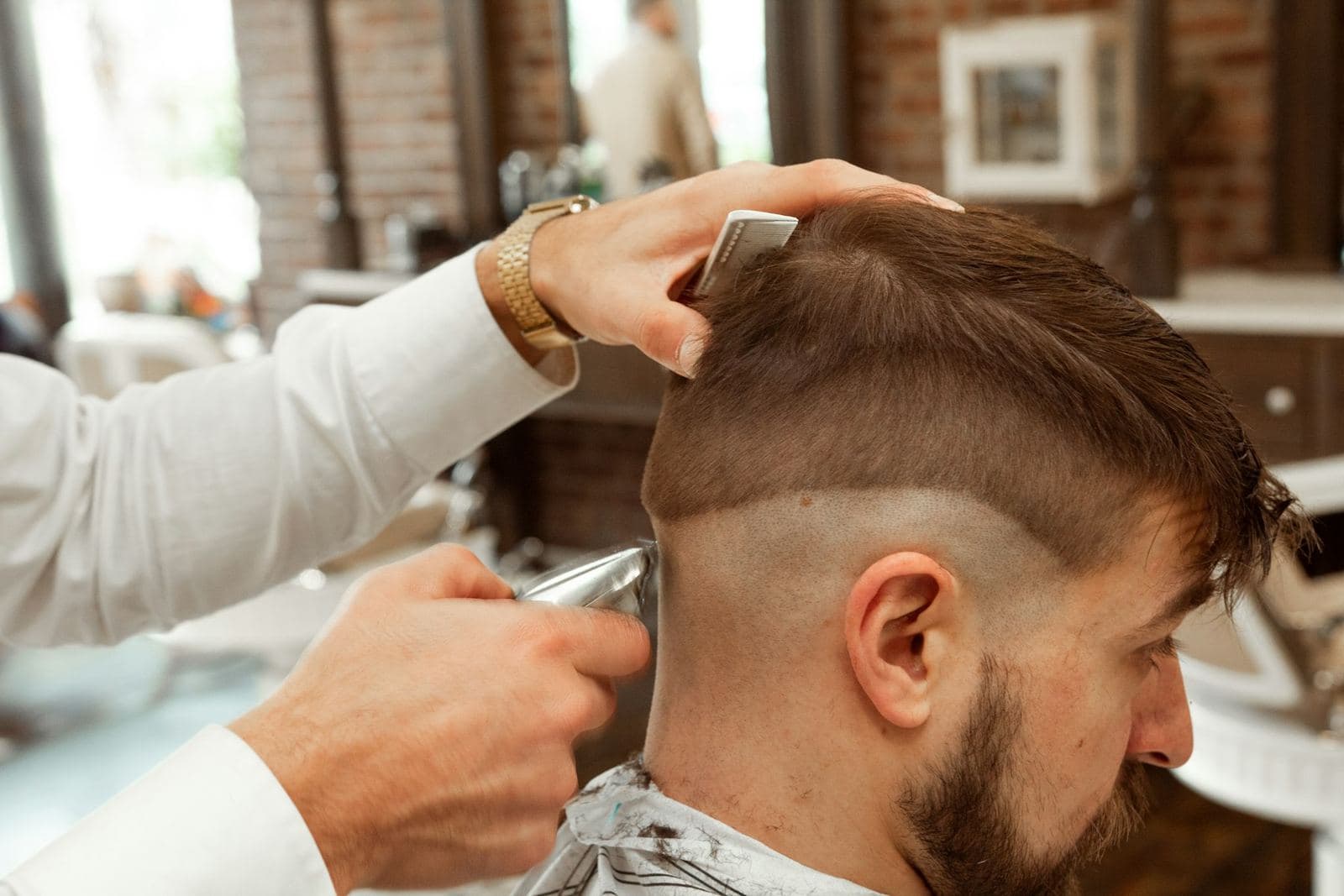
 WhatsApp for salons and barbers
What customers ask
- How much for a cut and colour?
- Is Jess free on Friday evening?
- Same as last time, please.
- Can I move my appointment to 5pm?
- How long does a balayage take?
- Do you have parking?
An example
Hi, can I book the same as last time?
Of course, Mei Ling. Last time you had a Cut and blow-dry with Jess. She is free on Friday at 4:00 pm, 5:30 pm or 7:00 pm.
5.30
Cut and blow-dry, Friday 5:30 pm with Jess, RM 85. Shall I book it?
Yes
Done. Your code is S7T4NB. See you on Friday.
How long is a balayage btw?
A balayage takes about 3 hours and starts from RM 380, depending on hair length. Would you like to book one?
Each stylist with their own calendar
Choose Salon, barber, spa under Bookings → Settings → Your industry. The calendar shows a column per stylist, slots start every 15 minutes, and the words become stylist, appointment and client.
Each stylist has their own hours and colour. Each service has its duration, price and buffers. Connect a stylist's Google Calendar and their personal appointments block those times.
Booking in the chat
On WhatsApp, services and free times arrive as buttons. A returning client can say “the same as last time” and the assistant finds their last service and stylist. They can also cancel or move a booking in the chat. When nobody is free, the assistant offers the waitlist.
- Share your booking page link in your Instagram bio or as a QR code at the counter.
- Under Bookings → Booking flow, choose whether clients pick their stylist.
- Take a deposit through your own Stripe account to cut no-shows.
Reminders and rebooking
Turn on the WhatsApp reminder under Bookings → Settings. Mark a missed appointment as No-show from the calendar.
The Time for your next visit email template starts six weeks after a client's last visit, when nothing is booked ahead. Segments can use visits, no-shows and days since the last visit. “Visits at least 3, and nothing booked” is a regular about to drift away.
Setting it up
- Settings → WhatsApp and Settings → Instagram: connect both.
- Bookings → Settings → Your industry → Salon, barber, spa.
- Bookings → Resources → New for each stylist, with their hours.
- Bookings → Services → New for each service, with duration, price and buffers.
- AI Agent → Knowledge → Data sources: add your price list and policies.
- Bookings → Settings: turn on reminders, then press Publish bookings.
Step-by-step guides: Bookings setup, Calendar, Booking flow, Payments, Automations, Segments.
Which plan
The staff calendar cap counts stylists. Starter (RM 129 a month) covers up to 3 stylists and 2 team seats. Growth (RM 299) covers up to 10 stylists and 5 seats. Business (RM 599) has no staff calendar cap. Online booking needs Starter or above.
Every paid plan can also be paid annually, with two months free.
Questions
Does every stylist need a doTask login?
No. A stylist is a resource on the calendar. Only the people who answer the inbox use team seats.
What about no-shows?
Take a deposit on the services that matter, turn on WhatsApp reminders, and mark no-shows. Segments can then find clients with repeated no-shows.
Can I keep the WhatsApp Business app on my phone?
Yes. When you connect, choose to keep the app. Replies you type there show in the inbox and hand the chat to you.
Can clients book without chatting?
Yes. The booking page lists your services and free times and confirms on the spot.