Install doTask on Shopify
From the App Store listing to the first answered conversation, in about five minutes and without touching theme code.


 Shopify App Store
01Install from the Shopify App Store
Open the listing (https://apps.shopify.com/dotask-chatbot) and press Install. Shopify shows the permissions doTask asks for — your products and policies, and, if you approve it, orders — and opens the app inside Shopify admin.
doTask creates your workspace from the store's name and contact email, reads your catalog and policies, and lands you on the dashboard. The dashboard's setup checklist tracks the steps below and ticks each one as it is done.
02Switch on the storefront chat
The chat widget is a theme app embed, so there is no code to paste. In Shopify admin go to Online Store → Themes → Customize → App embeds (the puzzle icon on the left) → switch on doTask Chatbot → Save.
Open your storefront in a private window: the launcher sits bottom-right. Colors, texts and the welcome message come from Settings → Live chat → Appearance in doTask.
03Give the AI Agent what it should answer from
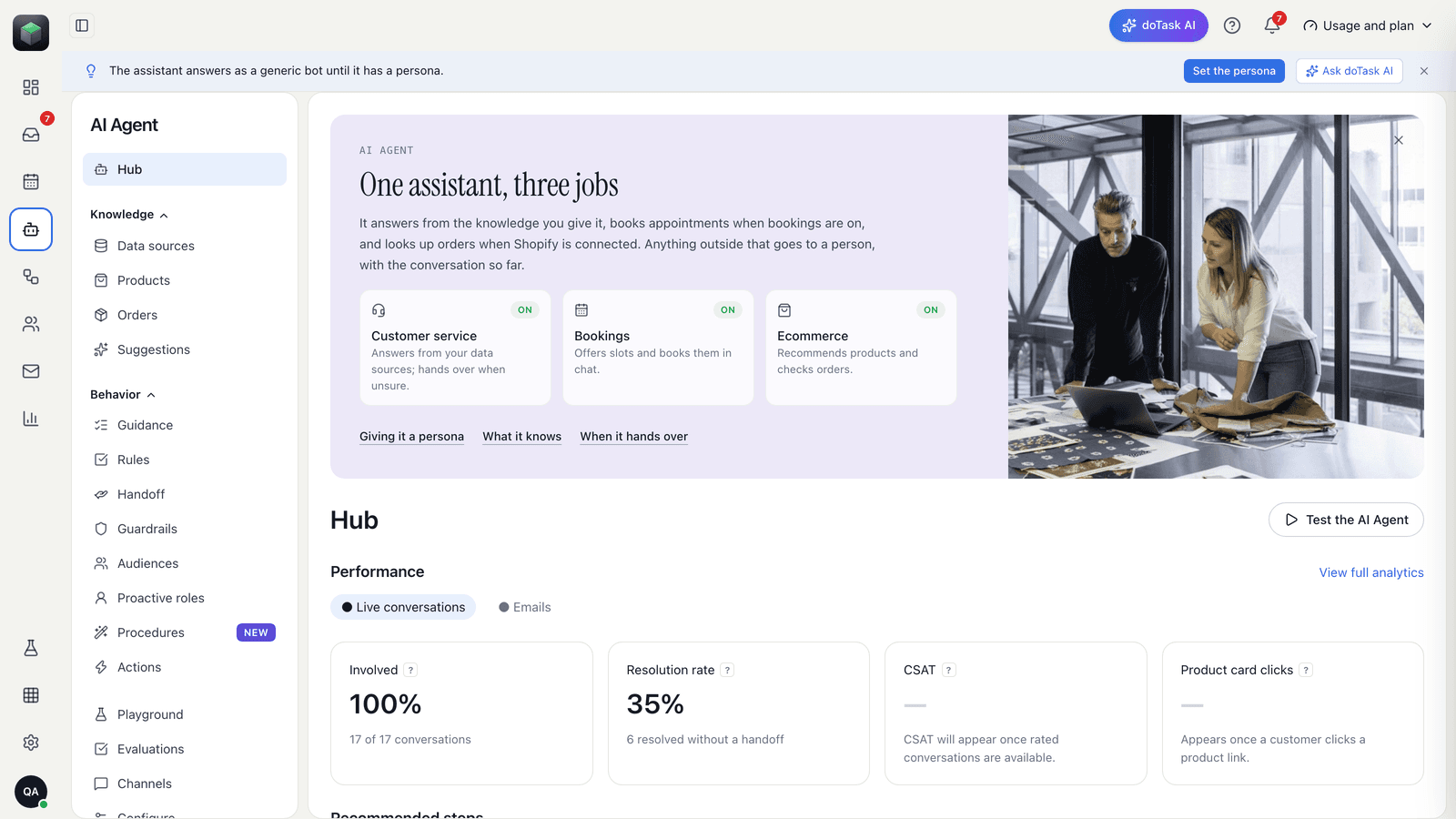
Your products and policies are already there from Shopify. Under AI Agent → Knowledge add the pages of your website customers ask about (one address per entry; tick Re-fetch weekly to keep a page current), any PDFs (a size guide, a menu, a price list), and Q&A pairs for the questions you answer every day — delivery times, returns, opening hours.
Under AI Agent → Persona set the assistant's name, tone and the rules for handing over to a person. Test it in the Playground before customers do.
04Connect WhatsApp, Instagram and Messenger
Settings → WhatsApp: sign in with Facebook and choose or create your WhatsApp Business number (Meta's embedded sign-up). Settings → Instagram: sign in with Instagram on a professional account. Settings → Facebook Messenger: sign in with Facebook and pick the Page.
Each channel's messages land in the same inbox as the storefront chat, answered by the same AI Agent with the same knowledge. Meta's 24-hour window is applied per conversation automatically.
05Optional: bookings, email, flows
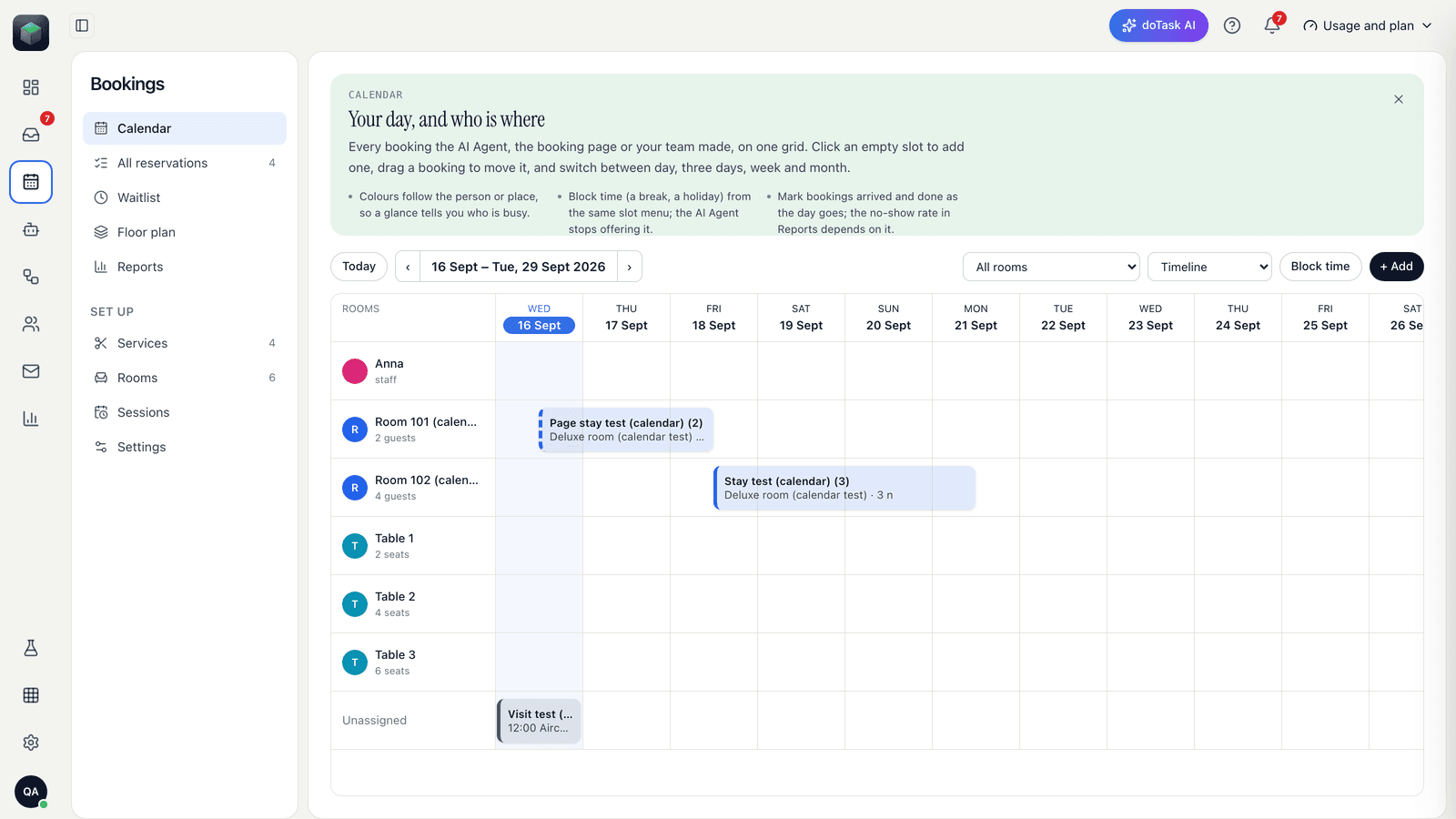
If customers book with you — appointments, tables, rooms, pickups — set the services and calendars under Bookings; the AI Agent offers free times as buttons and reminders go out on WhatsApp or email.
Email newsletters, automations and sign-up forms are under Email; Flows automate greetings, lead capture and routing.
06Watch the first conversation
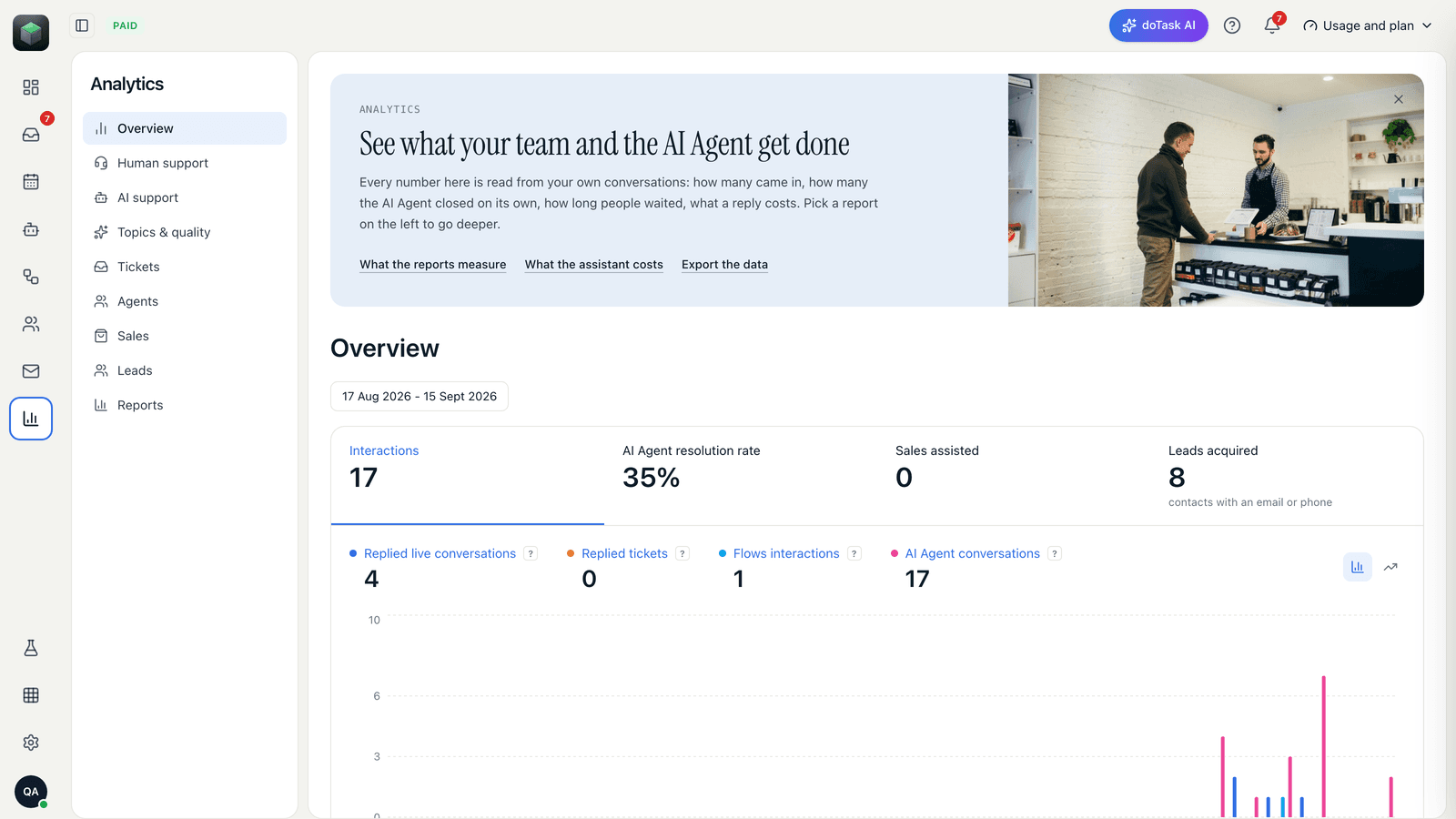
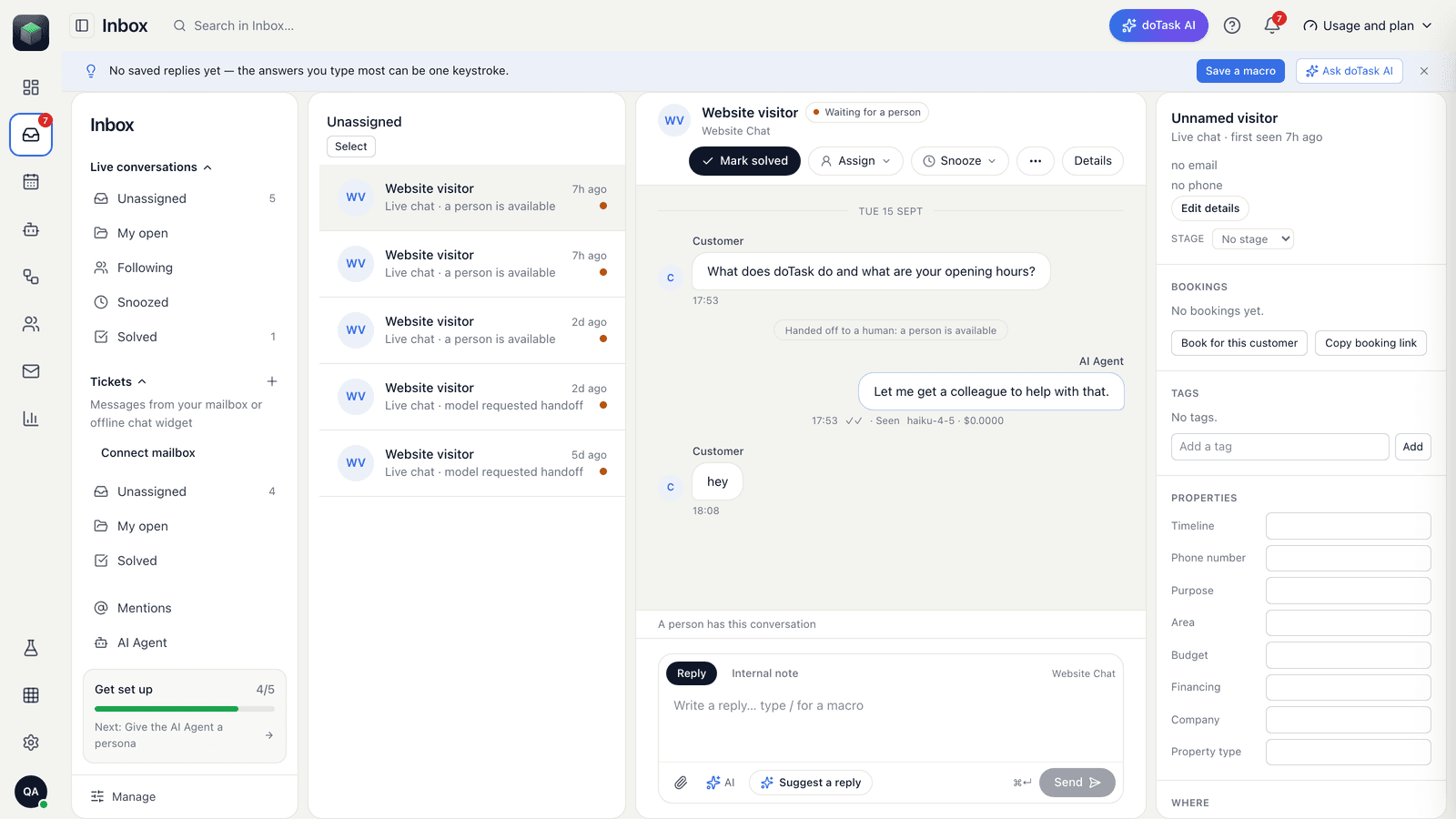
Send your store a message from your phone. It appears in Inbox → All conversations within seconds; the AI Agent replies from your knowledge and cites the source; press Take over to reply yourself. Analytics shows resolution rate, sales and leads from the same conversations.
Plans and caps are under Usage and plan; paid plans are billed by Shopify with a 14-day trial, and the Free plan has no charge.