
Software for clinics and dentists
Patients message a clinic at all hours. Most ask the same things: are you open, how much is a scaling, can I see a doctor tomorrow. doTask answers those from the information you give it and books the appointment into your calendar. Anything clinical goes straight to your staff.


 WhatsAppAI Agent on
What customers ask
How doTask runs it
for clinics and dentists
Appointments with the right practitioner
Choose Clinic, dental, physio under Bookings → Settings → Your industry. The calendar opens with a column per practitioner, and the words change to practitioner, appointment and patient.
Each treatment is a service with its own duration, price and buffer time, so a room can be cleaned between patients. Each practitioner and treatment room has its own hours. The clinic preset leaves auto-confirm off, so online bookings wait as Booked until your front desk confirms them.
- Patients can ask “when is my appointment?” and the assistant finds their own bookings.
- They can cancel or move a booking in the chat.
- When nothing is free, the assistant offers the waitlist.
- A deposit can be taken through your own Stripe account.
Medical questions go to a person
Anything clinical or medical is always handed to your team. This is built in, not a setting to remember.
The New patient intake question set asks the reason for the visit, how urgent it is and the preferred time. It gives no medical advice. Its template tells the assistant to direct an emergency to emergency services and hand off at once.
Reminders on WhatsApp
Tick Send a WhatsApp reminder under Bookings → Settings and set the hours before. Pick an approved template with three variables: name, service and time. A reminder is a utility template, so it also reaches patients who have written to you on WhatsApp. Anyone who replied STOP is skipped. An email reminder is available too.
Setting it up
- 1
Settings → WhatsApp → Start, and connect your number through Meta.
- 2
Bookings → Settings → Your industry → Clinic, dental, physio.
- 3
Bookings → Resources → New for each practitioner and treatment room, with their hours.
- 4
Bookings → Services → New for each treatment, with duration, price and buffers.
- 5
AI Agent → Knowledge → Data sources: add hours, fees, panels and policies.
- 6
AI Agent → Behavior → Question sets: start from New patient intake.
- 7
Bookings → Settings: turn on the WhatsApp reminder, then press Publish bookings.
- 8
Test it in AI Agent → Playground.
Step-by-step guides: Bookings setup · Handoff · Procedures · Whatsapp window · Privacy requests
Starter (RM 199 a month) suits a small clinic: 2 team seats, 3 staff calendars and 300 AI conversations a month. Online booking needs Starter or above. A clinic with more practitioners fits Growth (RM 449: 5 seats, 10 staff calendars, 1,000 AI conversations). Meta bills WhatsApp reminders to your own account.
Every paid plan can also be paid yearly, with two months free.
Questions
Will the assistant give medical advice?
No. Anything clinical or medical is handed to a person. You can add your own lines under AI Agent → Behavior → Rules, such as “Never comment on a treatment plan.”
Can patients choose their doctor?
Yes. Under Bookings → Booking flow you decide whether patients pick who they see or get the first free practitioner.
Do reminders cost money?
WhatsApp reminders are template messages. Meta charges for them on your own WhatsApp Business Account. doTask adds nothing.
A patient wants their data deleted. Can we do that?
Yes. Export or erase a contact from Customers → All contacts. Each export and erasure is logged with the details masked, which helps with PDPA records.
Other industries
All industries Salons and barbersShow services, prices and each stylist's free times on WhatsApp and Instagram, book in the chat, and send reminders. For salons and barbers.
 Restaurants and cafésTake table reservations by party size on WhatsApp and Instagram, answer menu and hours questions, and see the night on a floor plan.
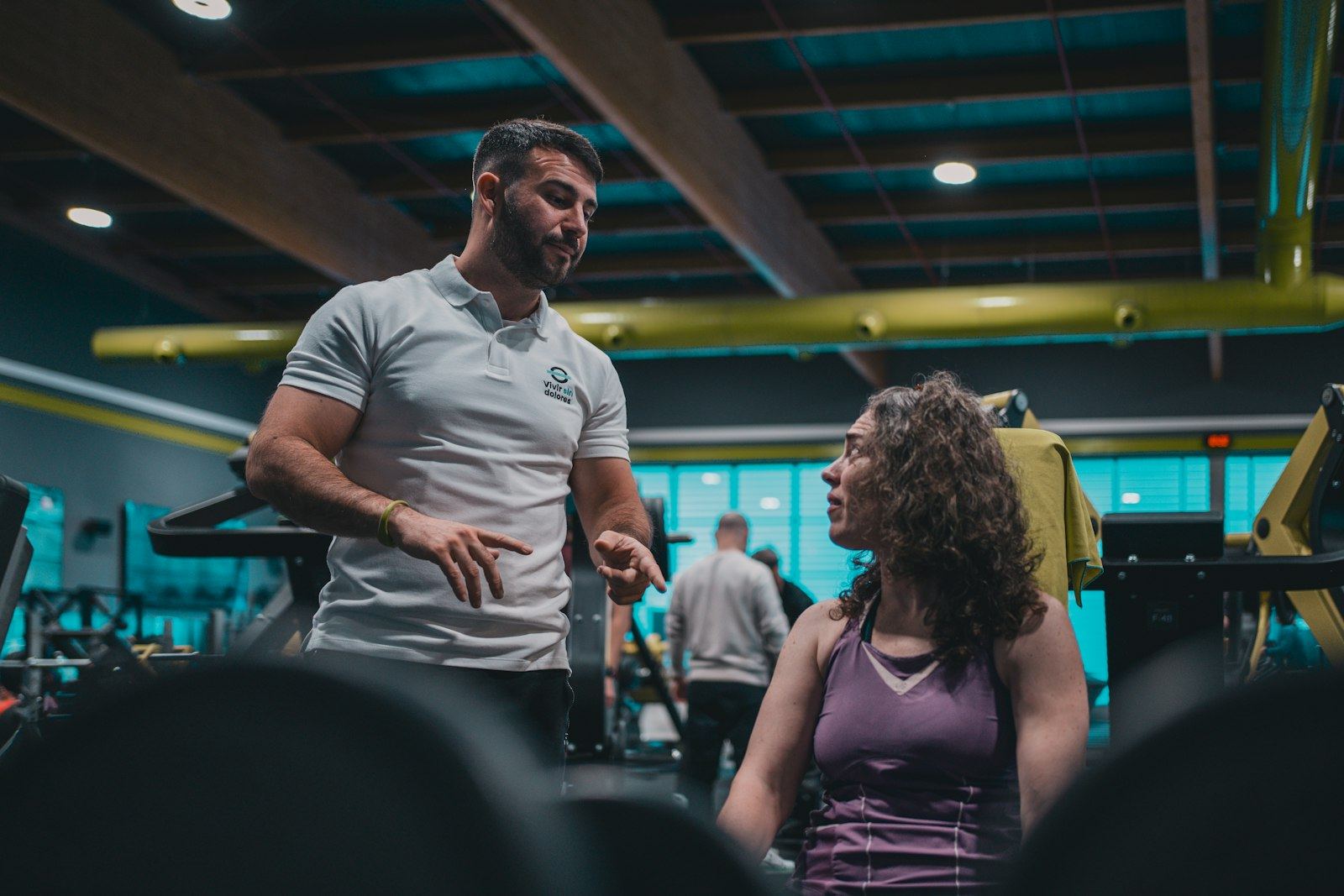 Fitness and studiosShow the class timetable with seats left, book classes and personal training on WhatsApp, and run a waitlist when classes fill. For gyms and studios.
 Education and tutoringAnswer parents' questions from your own course material, book trial lessons and workshop seats, and handle admissions enquiries on WhatsApp. For tutors.
 Retail and e-commerceAnswer order status, stock and returns questions on WhatsApp, Instagram and web chat from your Shopify store or your own product list. For online shops.
 Real estateAnswer listing enquiries on WhatsApp and Instagram, qualify buyers and tenants, book viewings, and pass serious leads to an agent.
 Professional servicesAnswer first enquiries from your own fee guides, qualify prospects, book consultations and draft email replies. For consultants, accountants and law firms.
Answer every message tonight
Start free, connect WhatsApp when you're ready, and let the AI Agent take the first questions tonight.