
Browse the Manifest help
Promotions and offers
The announcement bar, Promo banner, Countdown banner and Popup.

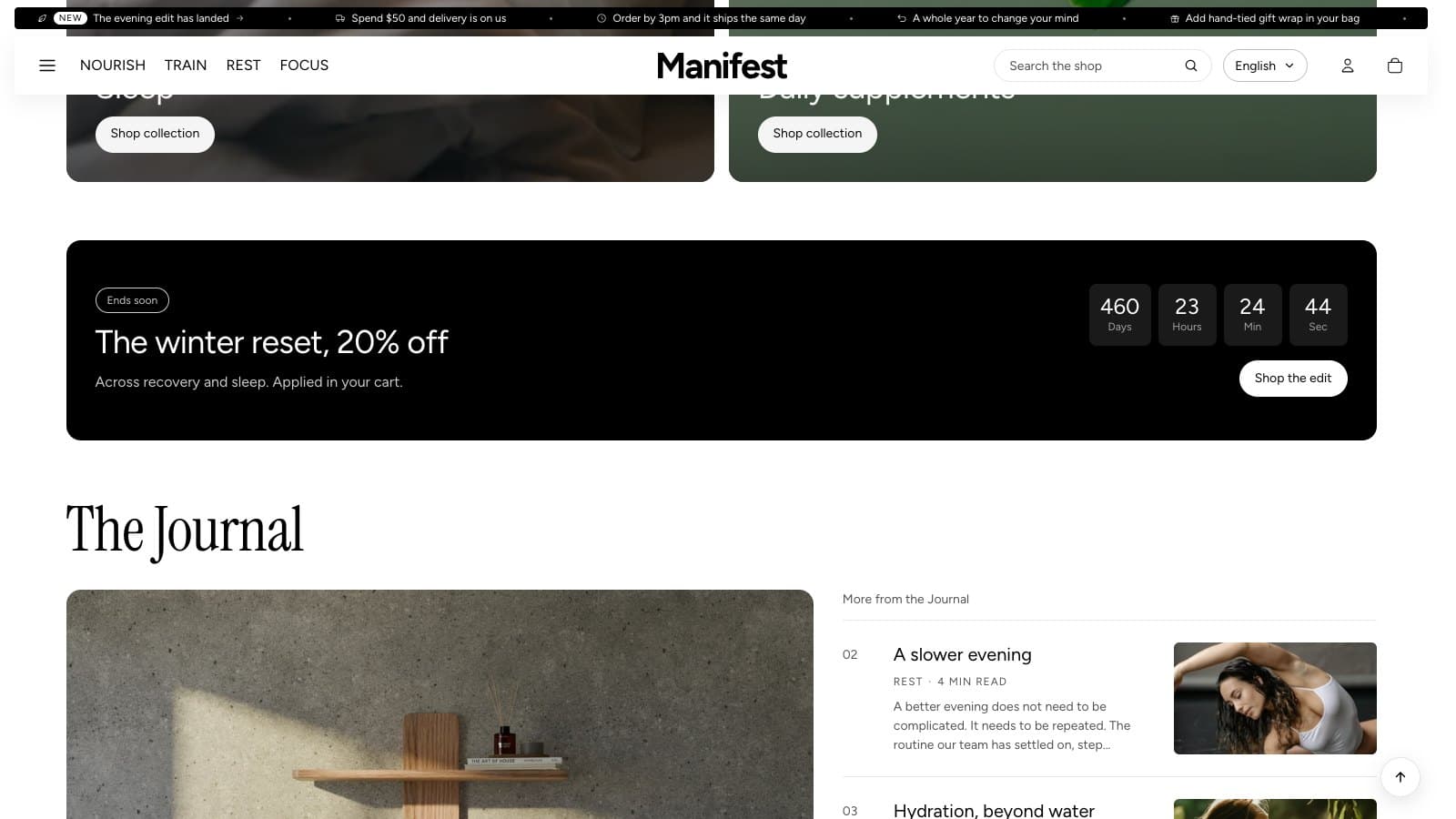
Announcement bar
A strip of short messages running along the top of every page. Each message can carry an icon, a small tag such as New, and a link. Choose the Scrolling speed; the strip pauses under the pointer, with its own pause button, and stands still for visitors who ask for reduced motion.
Promo banner
A wide offer: a label, a statement, the offer itself, fine print and a button. It paints a two-color glow you choose, or a photo under a shade.
- Add it from Add section → Promo banner, on the home page or any other page, such as the product page.
- Banner colors: Background color is the main color, and Glow color blends in from the bottom corner. The text is white, so choose dark colors. Pick the same color for both for a plain banner.
- Background image replaces the colors with a photo; a shade is added so the words stay readable.
- Leave Label, Offer or Fine print empty to hide them.
Countdown banner
A banner counting down to a date, such as the end of a sale. Enter Ends as YYYY-MM-DD HH:MM in your shop's time zone. It starts with no date, so nothing counts down until you set one; in the theme editor a note says so. The timer hides when the date passes, and Hide once the countdown ends takes the whole banner with it. The panel has its own color scheme.
Popup
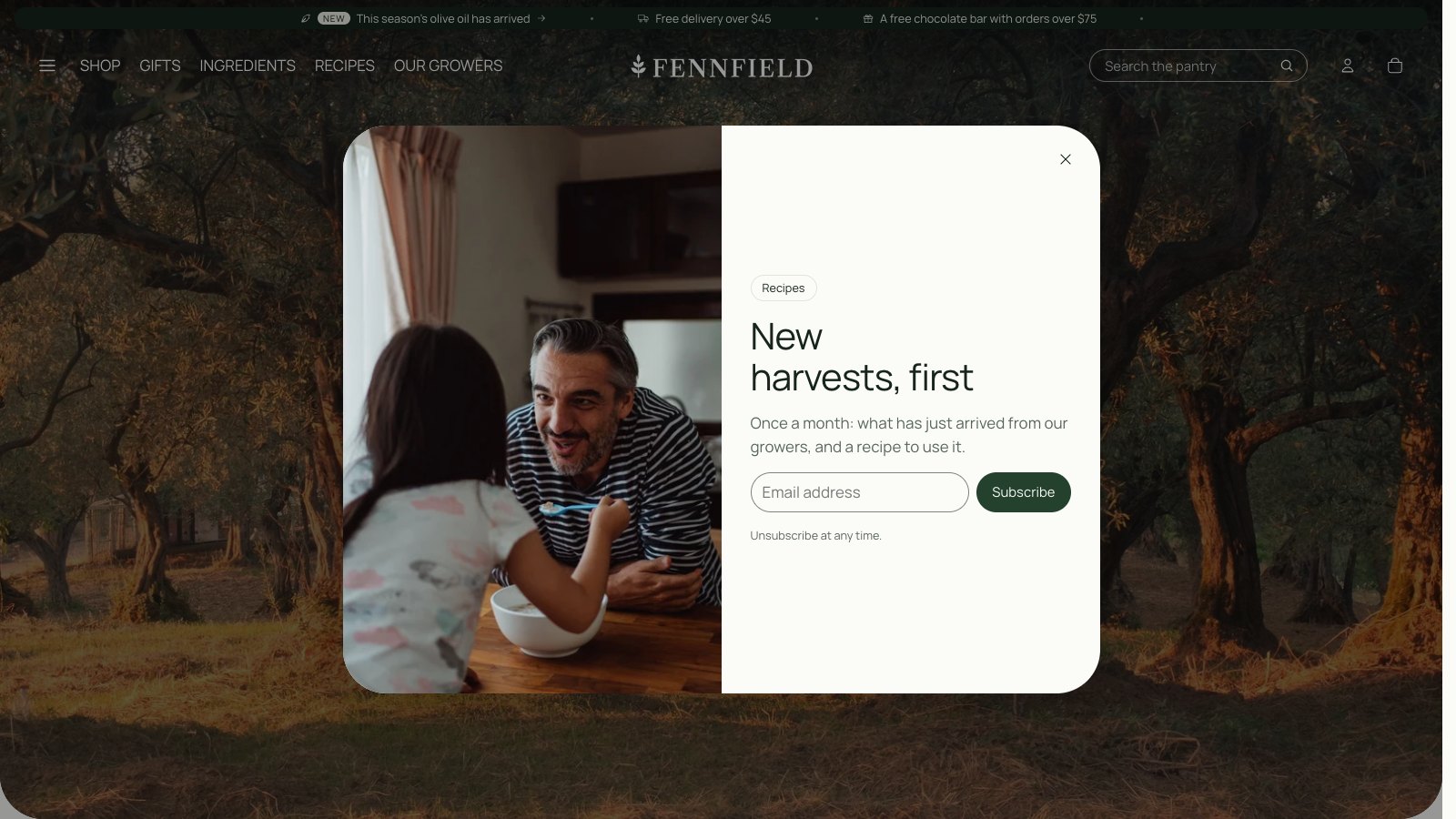
In the Overlays group. A dialog with an optional picture that offers a newsletter sign-up, a discount code, a button, or nothing but words.
- Open after (0–60 seconds), counted from the visitor's first scroll, tap or key press, so the popup never interrupts someone who is only looking or holds up the page while it loads. It can also open when the visitor is about to leave the page (computers only).
- Show again after (1–90 days): a visitor who closes it will not see it again for that long.
- Discount code: create the code in Discounts first, then type it here. Visitors can copy it with one press.