
Browse the Manifest help
Header, footer and overlays
Footer
Service promises, your logo, menu and text columns, newsletter, social links, payment icons and the selectors.

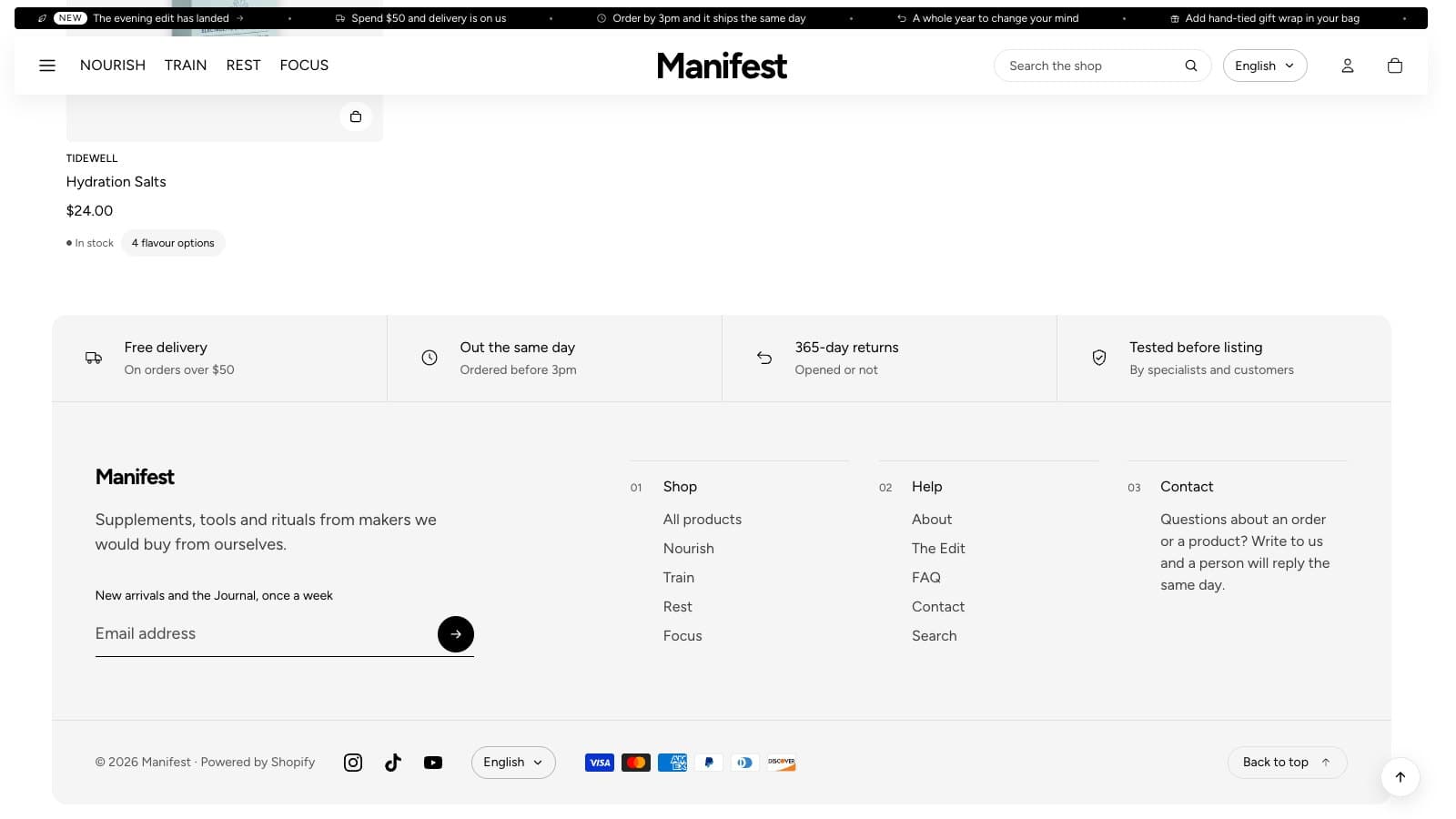
WhereThe Footer group at the foot of the section list.
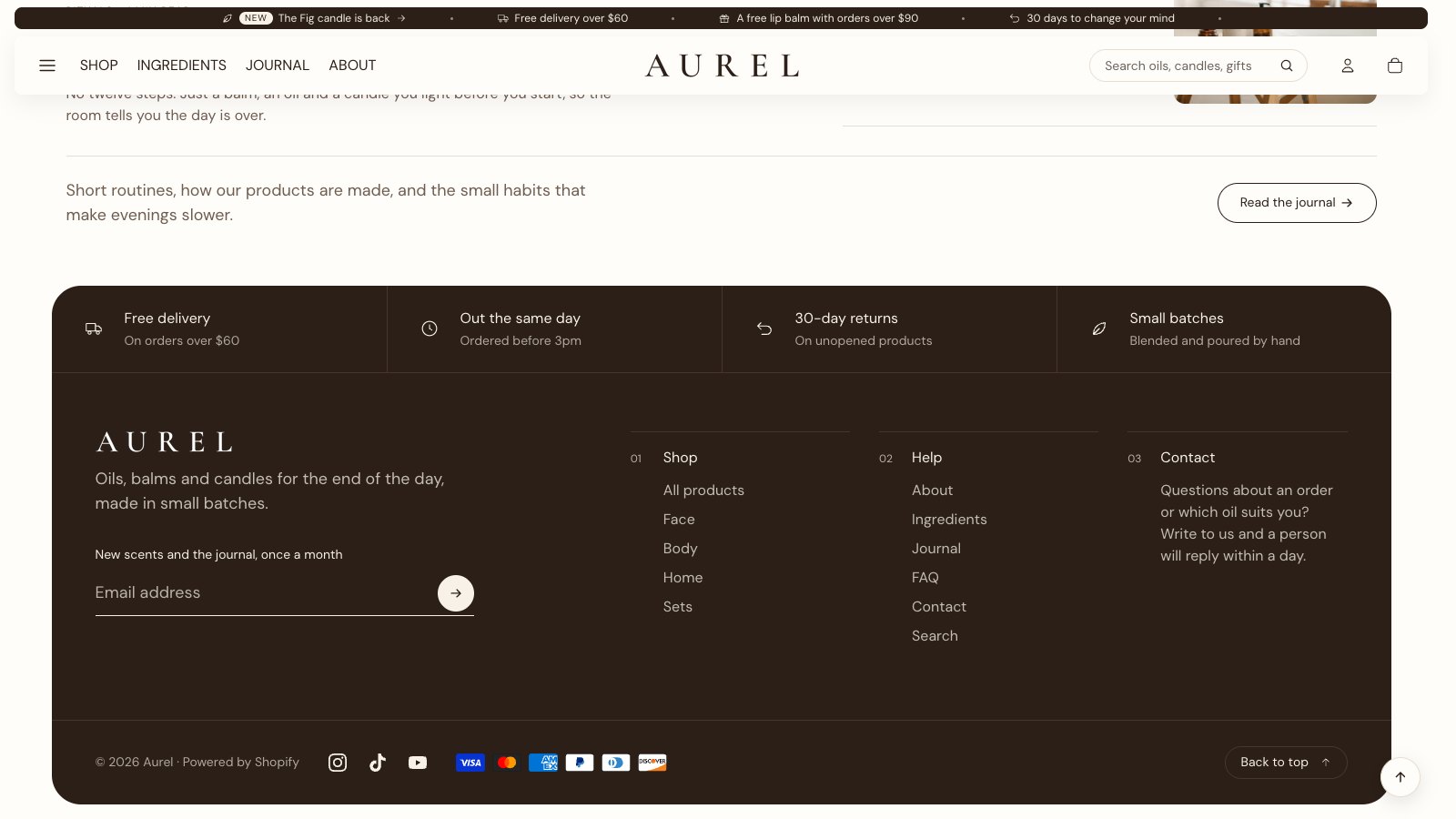
- Promise blocks: a row of short service promises across the top, each with an icon, a heading and a line of text. Icon has ten choices: Delivery, Returns, Dispatch time, Quality check, Leaf, Gift, Lock, Location pin, Check and Tag.
- Logo and Logo width (60–240px): a version of your logo that reads on the footer's color, such as a white logo on a dark footer. Without one, the store name shows.
- Menu column and Text column blocks: up to nine columns in all.
- Statement and Newsletter text: a line about the shop, and the invitation above the email field. Sign-ups are saved as customers who accept marketing.
- Social media: links for Instagram, TikTok, YouTube, Pinterest, Facebook, X, Threads, Snapchat, Tumblr and Vimeo. Empty ones are hidden. Social links show as Names or Icons.
- Country and language selectors, as in the header.
- Show payment icons: the cards and wallets your store accepts, from Shopify's payment settings.
- Color scheme: the footer panel sits on its own scheme.
A back to top button can sit at the foot of every page; switch it in Theme settings → Navigation.